To develop or make adjustments to the photos I’ve taken, BenQ SW240 monitor. It is a so-called “color management monitor” capable of hardware calibration, which allows you to directly rewrite the LUT (Look Up Table: equivalent to a digital color chart) embedded in the internal color adjustment chip.
However, BenQ’s proprietary tool, Palette Master Element (PME), doesn’t work with my X-rite i1 Display Studio colorimeter, so I was limited to software calibration—which is highly dependent on the PC environment—leaving me with them essentially going to waste.
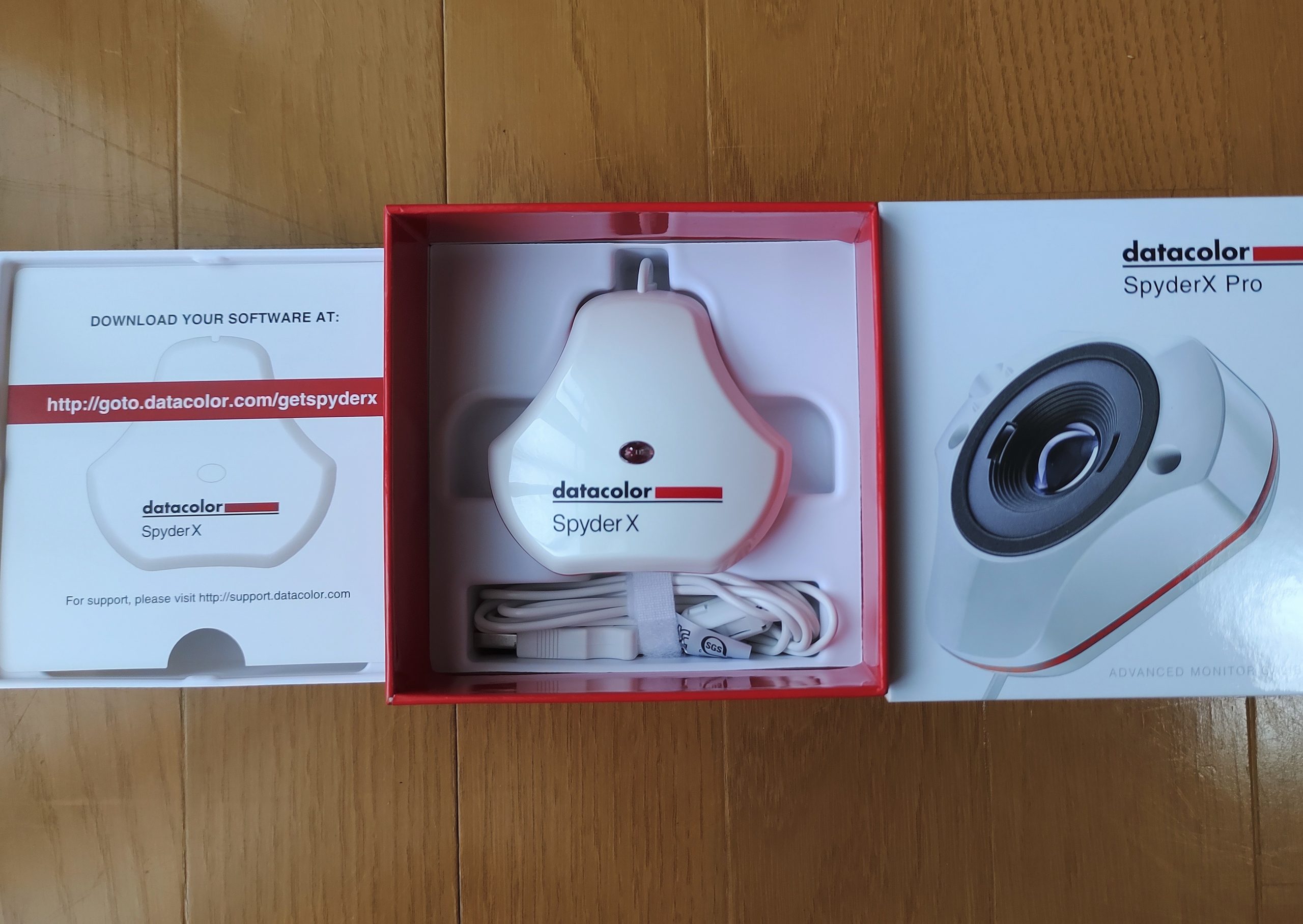
By chance, I noticed that the Datacolor Spyder X Pro—a calibrator works with PME—was available at a relatively reasonable price on a certain online marketplace. I hesitated for a while, but I couldn’t resist and ended up clicking “buy.”

But why are the product names for both X-Rite and Datacolor calibrators so confusing?
Starting with the plain Spyder (presumably in order of release), followed by the Spyder Pro, X Pro, X Elite, X2, X2 Elite, and X2 Ultra—they’re all completely different products with varying performance, features, and prices. The market is a jumble of official and parallel imports, current and discontinued models, and even online information is a tangled mess. It was quite a challenge to find the correct answer to a simple question like, “Does BenQ PME work with the X Pro? Or doesn’t it?”
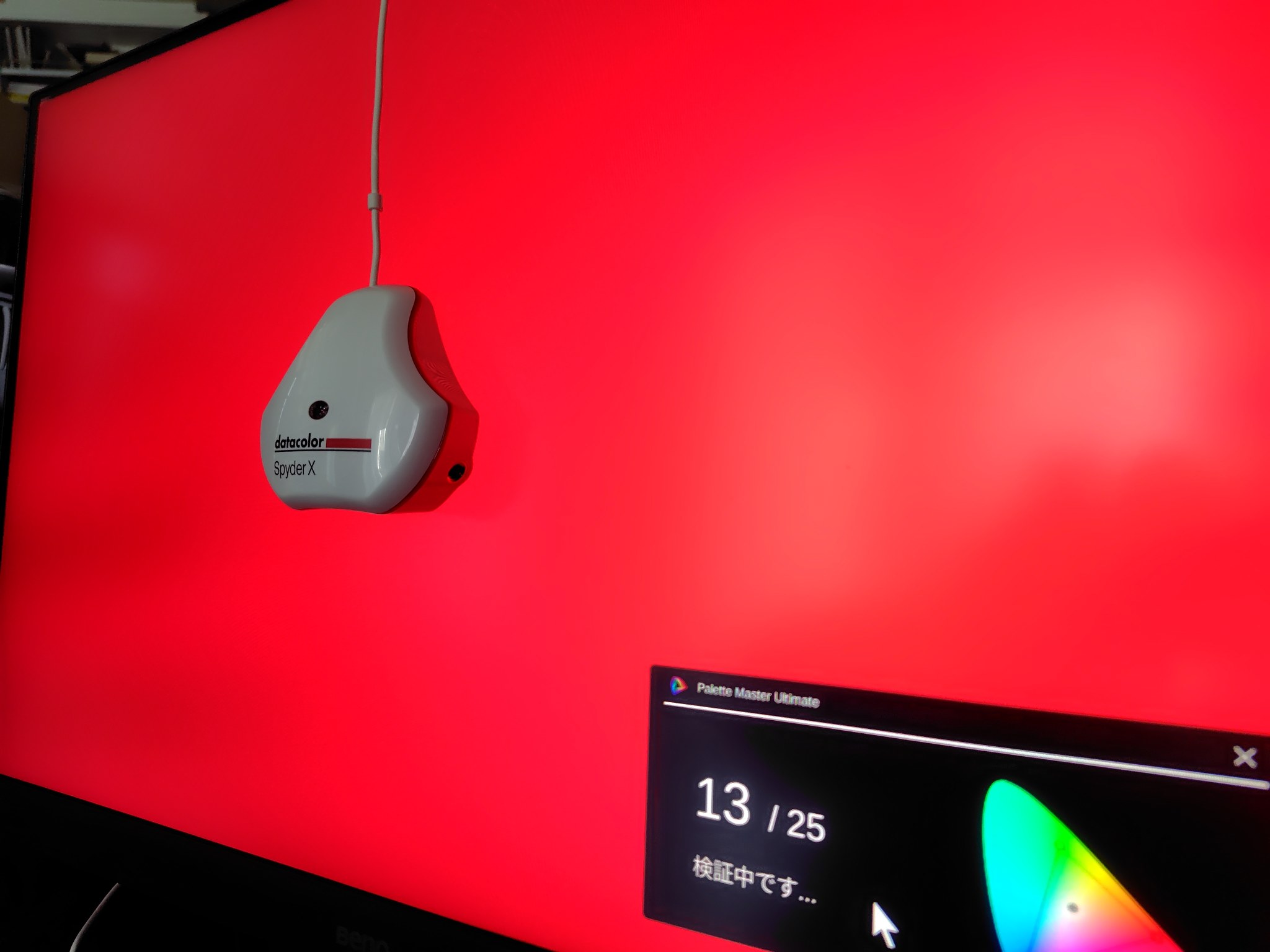
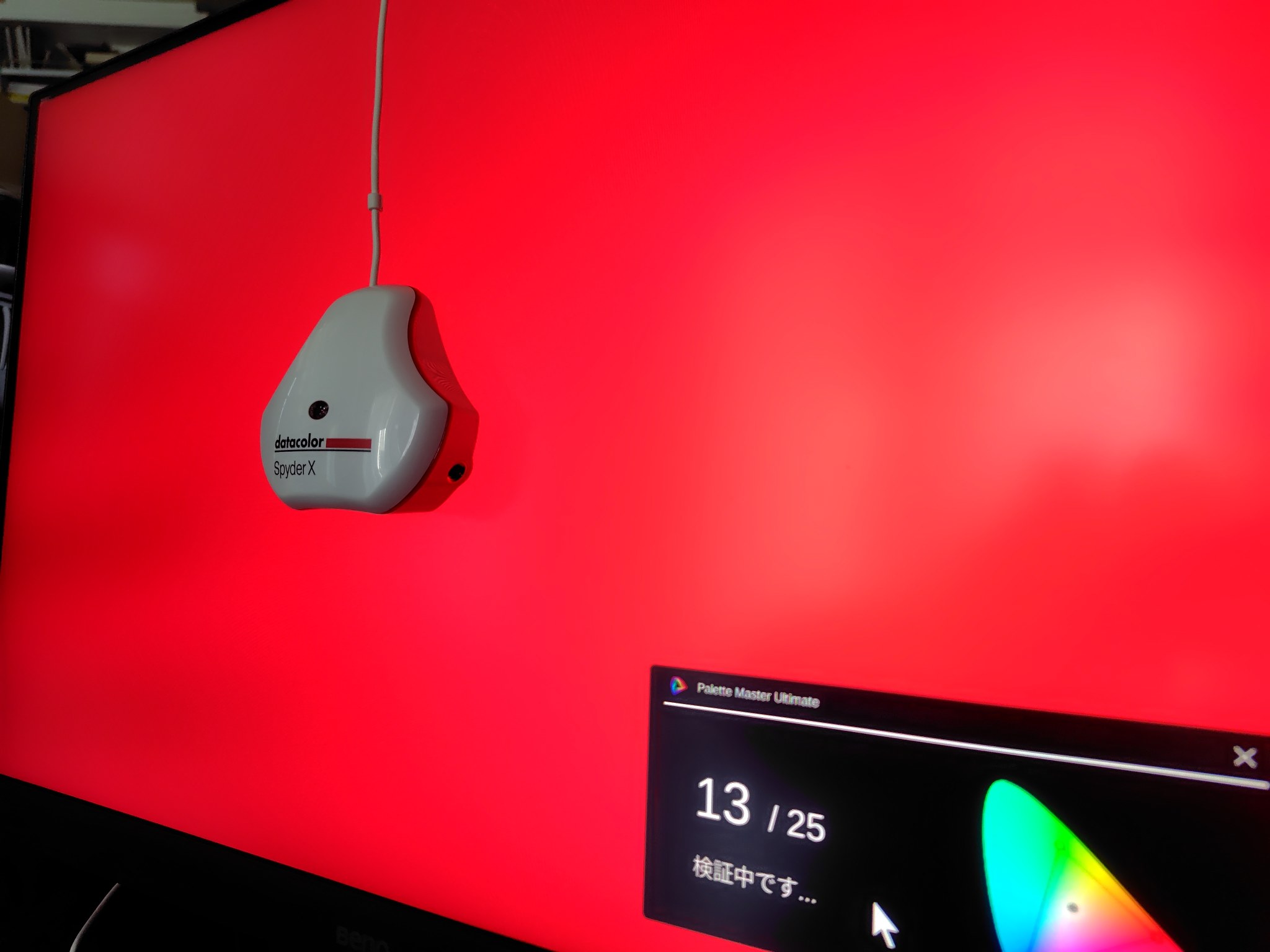
Here’s a snapshot of it in action, set up on a monitor right after I got it.
In conclusion, I think it was a good purchase, but as usual, I went through quite a bit of trial and error before it worked properly. The following is a detailed account—feel free to skip ahead.
■First, I connected the SW240 to my PC and the newly unboxed Spyder X Pro and put it on standby. It was then that I learned the dedicated tool PME had been replaced by its successor, PMU (Palette Master Ultimate).
■ So, I downloaded the latest version of PMU from the BenQ official website, installed it on my PC, and tried launching it—only to find that my SW240 wasn’t supported. To think that a model from just a few years ago has already been abandoned!
■Grumbling to myself, I uninstalled PMU and installed the older, unsupported tool PME instead, managing to complete the hardware calibration of the SW240.
■ Encouraged by this progress, I decided to go ahead and calibrate my laptop’s monitor (software calibration) as well. I downloaded the specified software from the Datacolor website and got to work. However, an error occurred during the final step of writing the color profile, preventing me from completing the process.
■ What to do? I shouldn’t have, but I relied on AI, and sure enough, I got caught up in “plausible but off-the-mark” advice. I fiddled with it for over an hour, but the problem remained completely unsolved.
■After taking the long way around, I finally found the solution in Datacolor’s English FAQ (turn off the automatic color adjustment switch in Windows). Finally finished calibrating my laptop’s display.
■Just as I was about to wrap things up, thinking I’d done everything I could today, I casually glanced at BenQ’s official website and realized—belatedly—that alongside the latest version of PMU, an older version compatible with the SW240 was still available as a current product. Oh man, does this mean I have to go back and install this, and start all over again?
…And so, I finally got to the step shown in the photo above. Phew.
Reflecting on this, I’m listing the related links I used as a reference here for future reference. Thanks to everyone involved for providing such valuable information.


It’s been about three hours of confusion. I haven’t reached the point in life where I can view this as a good way to kill time. As always, I’m feeling down about my own ignorance and incompetence.
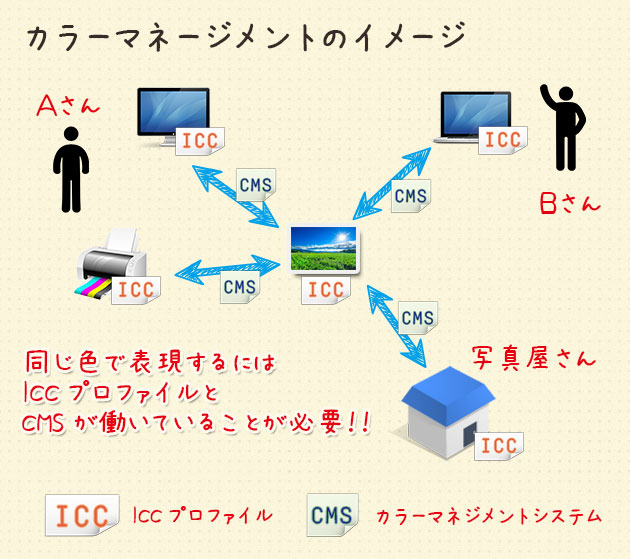
Well, at least the color settings on the monitor are sorted out now, so I’ll call that a win. Next up is color management for the post-processing and printing stages, I suppose.
It’s going to be a long road ahead.