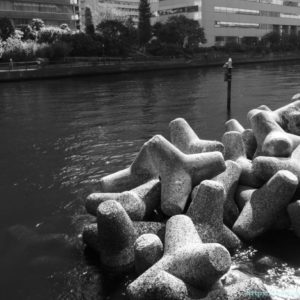
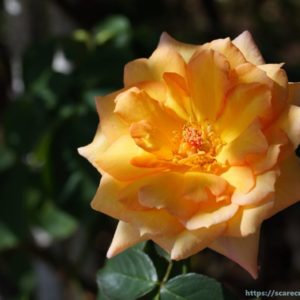
So, this is a LUT.
I’m not going to lie, I don’t really understand this at all.
What’s the difference between using a photo style on a Lumix camera or a custom image on a Pentax camera, or applying a DCP to a RAW file, and using a filter from FilmPack or NikCollection in PhotoLab?
And what is the difference between these and LUTs?

Both of these methods change the colors of images, but while the other method tweaks the “color specifications” to be displayed, LUT is significantly different in that it rewrites the “color sample book” that the computer refers to when displaying colors according to the specifications.
…A vague understanding of this, but if I were to guess wildly, would I be close to the mark, or would I be completely wrong?
Anyway, the selling point of recent LUMIX cameras is the “real-time LUT” function, which allows you to change the color using LUT and take pictures while watching the color after adjustment in real time. As a stills photographer, I’m not quite sure what it’s all about, but it seems to be a very attractive feature for people who shoot videos.
And the effect of changing the color works the same whether you’re shooting video or stills. Hmmm…
It seems that the hurdle to trying to make your own LUT is relatively low if you have the right tools, and even if you don’t make your own, various LUT files (.cube, .vlt, etc.) are available for free or for a fee on various sites, including the Lumix official website.
I’d like to try this out sometime. I was wondering how to do it
I recently realized that I can try out LUTs more easily than I thought. I don’t have to do all sorts of things with G9PROII, I can just import the LUT files into PhotoLab and use them.
I immediately tried out some of the LUTs I got from LUMIX Color Lab in PhotoLab7. Let’s take a look at them together with the official introduction copy.
Teal&Orange-D2
”A LUT that recreates the basic Teal & Orange seen in the video. It makes the most of the wide dynamic range, and has strong contrast and color reproduction.”
Classic-Blue-LC
”LUT that produces a nostalgic atmosphere with its distinctive bluish tinge”
Smoky Color-S
”This LUT has been created with a striking, faded color tone. By changing the way the blue appears and removing warm-toned colors, it gives a refreshing impression. Recommended for architecture, snapshots, and photos of blue skies.”
I see. Each one looks a bit like a scene from a movie, but I don’t think you can really tell the difference. I felt a little dissatisfied with the results.
But when compared to the photo below, which was taken using the G9PROII’s “Standard” photo style and finished as normal…
I was impressed by how different the finished product was.
I still don’t understand the theory at all (lol), but I’ll just accept that I now have a few more options when it comes to finishing photos, and I’ll enjoy it slowly.