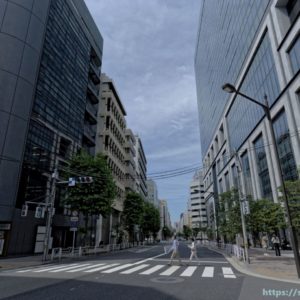
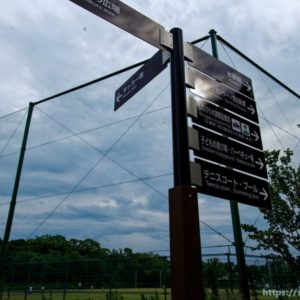
I am still in easy chair photographer mode to avoid the extreme heat. This time, I tried DxO’s Nik Collection 7.
Both the previous FilmPack and this Nik Collection process RAW data and output the finished photo data in TIFF or JPG file format. Each of these software packages can be used independently, but they can also be used in conjunction with Adobe’s Lightroom and DxO’s PhotoLab. From my PhotoLab 7 control panel, these two tools look like this.

If you set up FilmPack to use as a PhotoLab plug-in when you install it, the right side pane adds film simulation to the color rendering type choices. For example, if you specify “color positive film” as shown in the photo above, you can select the FilmPack emulation shown in the pull-down list, and it will operate seamlessly in PhotoLab 7.
The Nik Collection is linked with PhotoLab by exchanging active data. When you invoke the menu using the dedicated button seen in the lower right, the Nik Collection will be launched, taking over the active RAW data as it is.
The latest version is Nik Collection 7, which has the following menu of functions.
Analog Efex: Processing of images as if they were taken with an old camera (out of focus, light leaks, distortion, light reduction, etc.)
Color Efex: Adjustment of color tone and gradation (brightness, contrast)
Dfine: Noise measurement and removal
HDR Efex: Dynamic range expansion (photo merging and integration)
Sharpner: Sharpness adjustment
Silver Efex: Processing of black and white photos
Viveza: hue, saturation and brightness adjustment
Since it is an independent photo processing package, some of its functions are shared with PhotoLab, Lightroom, and Photoshop, but it has survived for a long time as a tool with unique, sharp functions and a variety of presets, variety indeed.
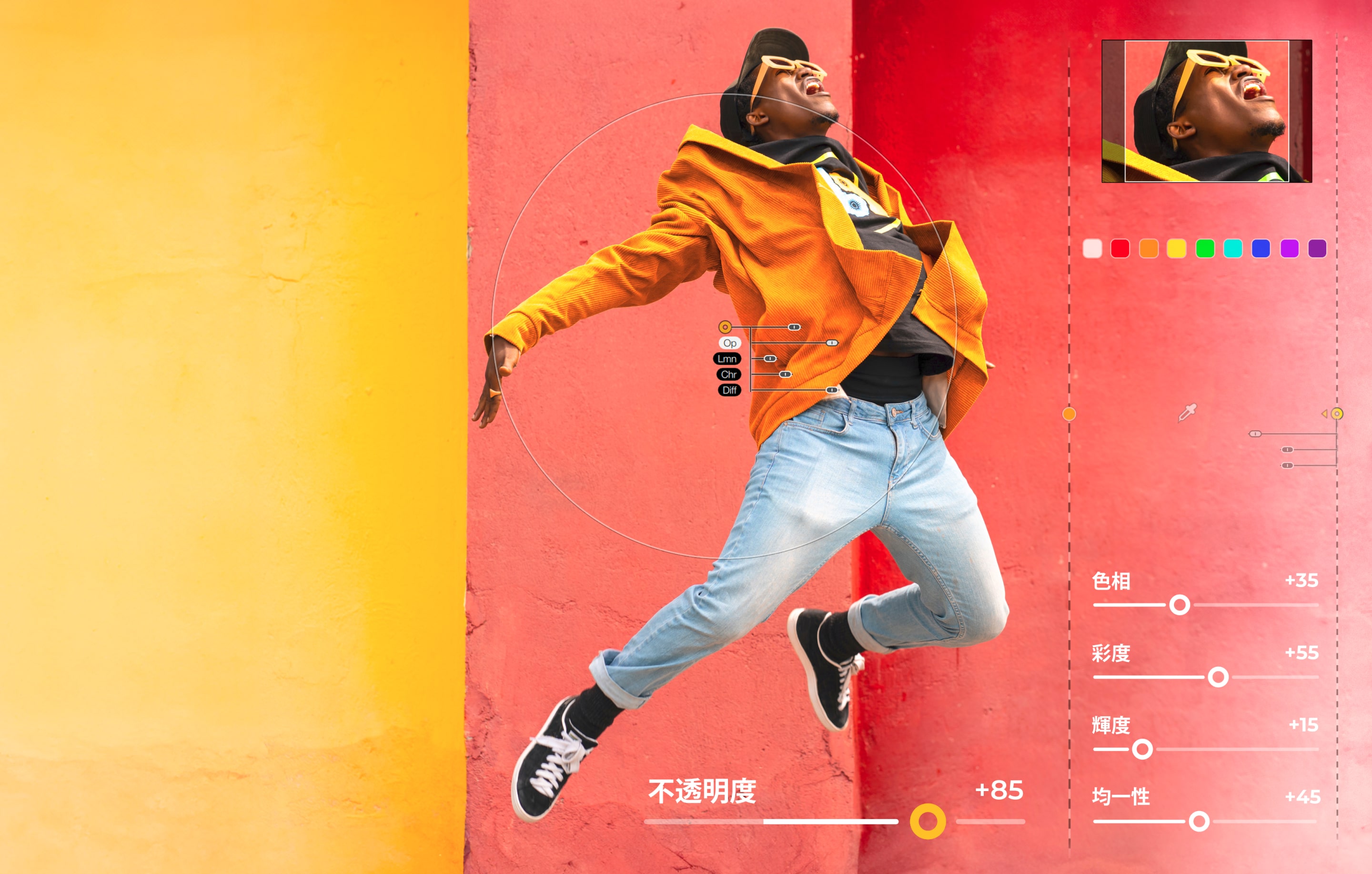
As an eternal beginner, it is impossible for me to understand the essence of this tool just by playing with it a little, but I can have a lot of fun just by switching between several presets.
For example, in the photo below, the photo on the left side of the slider was taken in RAW and developed with Adobe’s DCP preset “S5 Landscape”, which is the default “original” photo in my opinion. On the other hand, the one on the right was processed with “Bleach Portrait,” which I chose from among the many presets in Nik Collection 7.


The “bleach” process, which I like a lot, along the lines of what is called “silvering” in Pentax’s custom images. Depending on the subject matter of the photo, it can be quite tasty if it is done well.
The next example. The left is the “original” and the right is the “blur” processing. This is a process that has already been implemented in smartphones and other devices, but the visual effect is not something to be fooled with.

This is one of those pictures that makes you think a little bit about the possibility that “beautiful bokeh obtained only with high-end lenses” may become more and more popular and obsolete with the development of digital processing technology like this.
Another example. The left and right sides of the photo below are presets named “Summer” and “Winter,” respectively, in Nik Collection 7. I don’t fully agree with this naming, but it kind of gets the point across.


Etc.
I still don’t understand most of the processing functions of each menu, but I could see that it is a very voluminous and impressive tool just to “play with the presets”. I have to admit that with such a wide variety of presets, it’s hard just to find and memorize what interesting/useful presets are embedded in them. It’s a great way to pass the time during the heat of the day, though.
So, that’s all for now… I’ve been playing with FilPack7 and Nik Colluction7. I have to think with a straight face if I will buy either one or both of them.