This is an unimportant little story. However, it is one of my current problems.
I use four different cameras to take pictures for this blog. The sensor size and aspect ratio differ as follows, and each has its own characteristics.
1) PENTAX K-3III:APSC 3:2
2) LUMIX G99:Micro Four Thirds 4:3
3) FUJIFILM XF10:APSC 3:2
4) PENTAX Q7:1/1.7-inch 4:3
The problem is not apparent when viewed on the small screen of a smartphone, but what size should we display the photos with different aspect ratios to be viewed on a PC monitor?
The column width of this blog is 860px excluding side margins. If we follow the policy of always displaying photos so that the width of the column fills up to the width of this column, we end up with this.
The size of the 3:2 photo is 860 x 573.
4:3 photo listing size is 860 x 645
In this case, the width is the same, so of course the 4:3 photo will appear with the larger, longer vertical photo.
And so my concern begins as follows
(1) If the photo is 645px height, the browser screen on a small PC monitor will not be able to display it fully and the top and bottom of the photo will be cut off.
(2) Is it OK that an APSC 3:2 photo with an inherently larger sensor size is apparently smaller than a Micro Four Thirds 4:3 photo with a smaller sensor size?
Immediately, the brain also arises a counterargument to this.
(1) Readers can scroll and zoom out, so it should be up to them to decide what size they want to view the photo and there is no need for the editor to worry about it. Considering that vertical photos will also be included, it is unreasonable to place the highest priority on the fact that the photos cannot be seen through the browser screen.
(2) The idea that the size of the published image should change according to the sensor size is nonsense. You wouldn’t bother to make the pictures taken with the Q7 smaller, would you?
After much thought and spinning around and around, I have decided that 3:2 photos should be 860 x 573 (573 x 860 portrait) and 4:3 photos should be 800 x 600 (600 x 800 portrait).
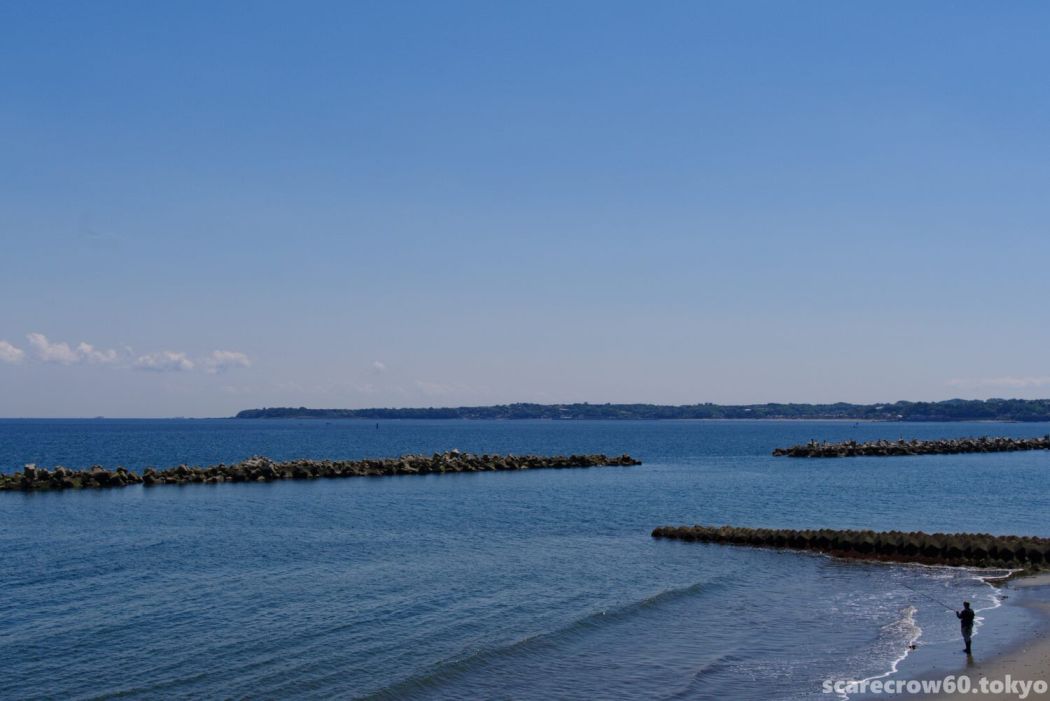
Then, the photo above would be this size.
To even out the little space left on the both sides, I centered the photo with a little extra effort. I think I’ve got it all in place now so far.
What about past articles? Should I go back and readjust? No, it would be too much trouble.
I also had a radical idea of cropping all the photos to 3:2. But that would be another, more complicated problem, so I decided to stop.
It really doesn’t matter, but I am constantly having to go through some trivial difficulties even when I am managing my blog.